

UX Design for Software: 5 Key Considerations to Build Better Applications

In this modern age of technology mostly dominated by applications, one of software developers’ major considerations is how the overall product or application affects user experience.
When we mention ‘user’ and ‘design’, two things come to mind: User Interface (UI) and User Experience (UX). There’s a difference between the two, but in this article, we’ll focus more on the UX Design perspective.
UX has a very broad definition — from being the creative and analytical process of determining what a piece of software will be, to an approach in design that takes the user into account. The term originated from Don Norman, a renowned cognitive scientist in the 1990s. He defined ‘user experience’ as including everything about how the end-user interacts with a company, including its products and services.
Simply put, UX Design is the overall approach or process for designing a system that offers a positive experience to the users through product interaction.
Before you put your tech-wiz hat on, we’ve narrowed down the five most important things that you need to consider in designing your software application, ensuring that it isn’t only successful but user-friendly as well.
Consideration #1. Users First: The Art of App Onboarding
Before you create your software application, you need to know your audience or users first.
How does your audience operate? What do they want and need? How can your product make their life easier?
These are some of the key questions that you need to ask yourself when designing a software application. But how can you know what they want if you don’t show it to them?
Here’s where ‘app onboarding’ comes in. This is a term used when a random person is given the chance to use an application that he or she hasn’t tried before. This is the stage where your user will grasp the application’s UI and Controls, a critical step in the software development life-cycle.
There are many methods of onboarding, but the most important thing you must keep in mind is that your new users shouldn’t get lost or frustrated when trying out your app.

Consideration #2. Simplicity: Avoiding the Unnecessary
When designing a software application, software developers tend to get lost in the process. Because of their desire to develop the best software, they often forget one of the most basic principles in designing, which is to keep it simple.
Instead of jumping straight into features, successful teams prioritize UX design for software to ensure users get value fast — and keep coming back.. This way, you won’t get exhausted in adding features that other software applications do — for free.
This allows your software application to have breathing space, and it streamlines the user experience. It also makes it easier for you to get the message across, in terms of marketing.
Consideration #3. Personalization: Customization and Originality
Not having the ability to tailor your newly-installed software application can be frustrating. That’s why a lot of people prefer one that they can customize or where they can add a bit of their personality into it.
Changes that allow for personalization may vary from font size and colors to the application’s layout. They may even include the capability of hiding some features within the software.
What this gives the users is the opportunity to play around with the application. Tailoring it to their needs leads to a more satisfying experience for them.
Consideration #4. Responsiveness: Efficiency and Speed
This is a key and standard element in any software application. If your application isn’t designed to be quick and responsive, it will result in inefficiency and a bad user experience.
By efficiency and speed, it means that your application can quickly accomplish what the user is trying to do and that it is efficient in finding different ways to cater to the user’s needs.
Reducing the number of actions to get something done in your app is one way of making it efficient and quick.
Consideration #5. Scalability: Growth and Functionality
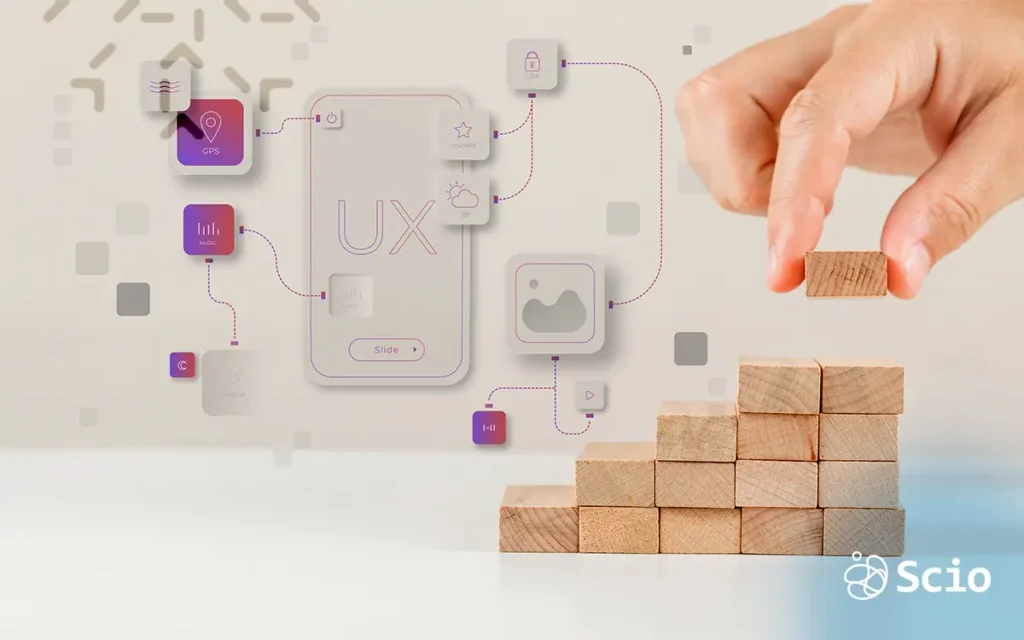
Giving your software application ‘space’ for new features in the future opens the door for added functionalities, enabling the application to grow or “evolve” into something better.
Final Thoughts on UX Design for Software Teams
Developing a software application that gives users a great experience boils down to knowing what your audience wants; keeping it simple and functional without losing its efficiency and speed; and making it customizable while also keeping it original.
By keeping these things in mind, you’re on your way to designing a user-friendly software application that will keep your users hooked.
If you need to develop software that your users will surely love, contact us and we will be glad to help you.